Software Applications - page from the textbook
Back to Class
5

Software Applications

98-121 • Source: SCERT Delhi ICT Textbook, Revised Edition 2026 3 Fun Facts
8 min read

The field guide

Understand it. Try it. Remember it.

Software can help people model a shape, explore a scientific idea or present evidence. This lesson compares kinds of digital tools and shows how choosing the right tool begins with the question you want to answer.

Textbook reference: pages 98-121

01
Question
Tool
03
Evidence
Concept mapFollow the pathSoftware Applications: Question, Tool, Evidence

In this lesson

01

IT vs ICT

  1. 1

    IT (Information Technology): Use of computer networks, software and digital devices for managing information - focuses on the technical aspects of technology.

  2. 2

    ICT (Information & Communication Technology): How digital technology helps users handle information and solve problems - e.g. teaching a science chapter through a slide presentation, or making a science project as a website.

02

GeoGebra - Geometry Practice

Definition

Definition: GeoGebra (https://www.geogebra.org/) is an online tool for practising geometrical shapes and angle construction - very helpful for the basic geometry chapter of the maths book.

Steps to construct a triangle

  1. 1

    Step 1: Go to https://www.geogebra.org/

  2. 2

    Step 2: Select Middle School resources.

  3. 3

    Step 3: Choose Geometry.

  4. 4

    Step 4: Use the given tools to construct a triangle on your computer.

03

Simulations and PhET

Definition

Definition: Imitating a real thing, process or activity by another method is called simulation - done through computer software. It helps us understand and visualise how a process behaves.

  • Example: the class watched a greenhouse effect simulation.
  • In PhET, simulations can be searched category-wise - grade-wise (class-wise) and subject-wise.
04

Multidisciplinary Projects

Definition

Definition: Using subject-specific software for lessons across subjects is a multidisciplinary approach. Students create an artefact - a made project - combining knowledge from multiple subjects using ICT tools.

Examples

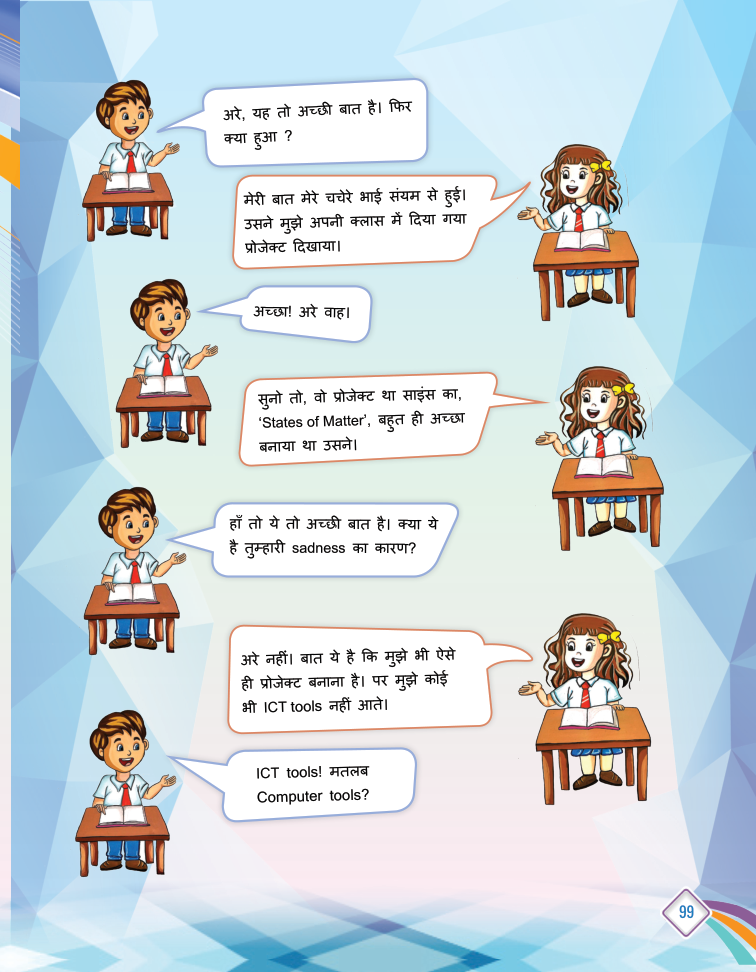
  • A science project on 'States of Matter' as a slide presentation.
  • The same project made as a website.

Your turn

Try a quick challenge

Choose a question from another subject. Name one digital tool that could help investigate it and what evidence it could produce.

Quick Revision

  • IT: technology's technical side.
  • ICT: technology helping users solve problems.
  • GeoGebra: online geometry practice tool.
  • Simulation: imitating a real process digitally.
  • PhET: online simulations platform.
  • Artefact: a created project from learning.

Conclusion: IT gives us the tools; ICT shows us how to use them to learn every subject better.

Keep in mind

Quick recap

  • Choose a tool by the task and evidence you need.
  • Simulations support exploration; they do not replace checking assumptions.
  • Projects become stronger when subjects and tools work together.

Key Terms

IT

सूचना प्रौद्योगिकी

ICT

सूचना एवं संचार प्रौद्योगिकी

GeoGebra

ज्यामिति अभ्यास का ऑनलाइन टूल

Simulation

किसी प्रक्रिया का डिजिटल अनुकरण

PhET

सिमुलेशन का ऑनलाइन प्लेटफ़ॉर्म