Being Future Ready-02 (Website Designing) - page from the textbook
Back to Class
3

Being Future Ready-02 (Website Designing)

53-79 • Source: SCERT Delhi ICT Textbook, Revised Edition 2026 3 Fun Facts
8 min read

The field guide

Understand it. Try it. Remember it.

A website is a set of connected pages built for a particular audience. Start with what visitors need to find, organize pages into a simple structure, then choose headings, colors and images that make the information easy to scan.

Textbook reference: pages 53-79

01
Plan pages
Design
03
Publish
Concept mapFollow the pathBeing Future Ready-02 (Website Designing): Plan pages, Design, Publish

In this lesson

01

What is a Website?

Definition

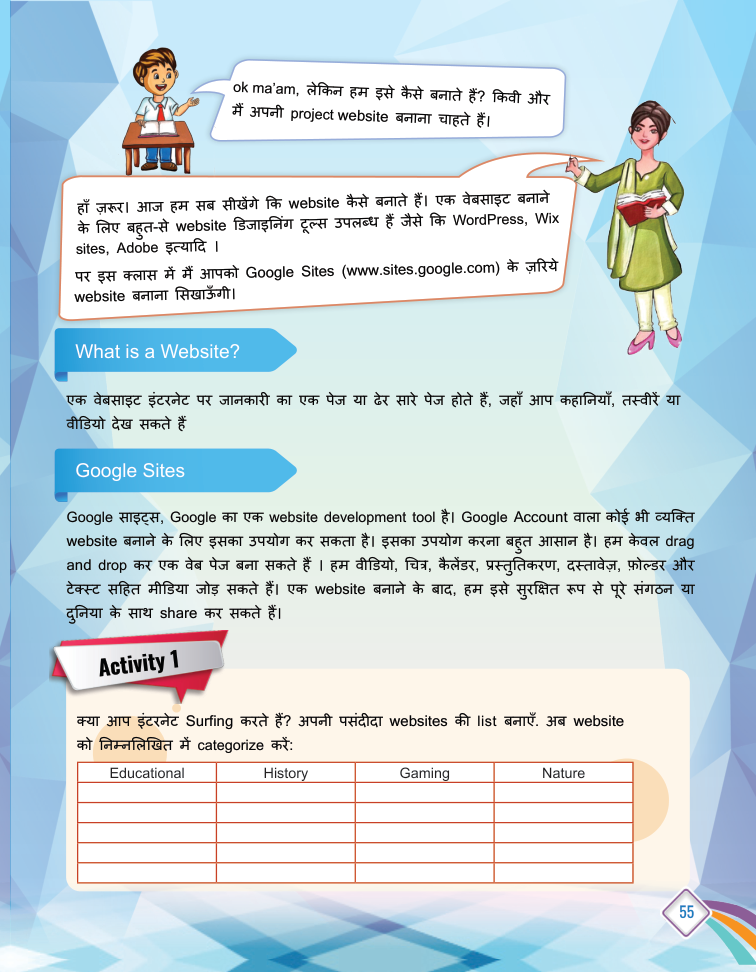
Definition: A website is like a window for any organisation, school, place or project - it displays all the information at one place, reachable with the click of a button.

Examples

  • A company's site shows its products, people and address.
  • A school or a social science project site.
02

Building a Website Online

  • Use an online website builder - no coding needed.
  • Add pages, text, images and links.
03

Headers, Themes and Templates

  1. 1

    Header type: Hover over the background image, click header type and choose Large Banner, Banner or Title Only.

  2. 2

    Theme and colours: Click Themes in the top-right corner and pick colours.

  3. 3

    Font style: Click font style and select a design separately.

  4. 4

    Templates: Ready-made designs - scroll down to see available templates.

04

Publishing and Sharing

  • Preview your design before publishing.
  • Publish to make the site live.
  • Share the link - anyone, anywhere can view it.

Your turn

Try a quick challenge

Sketch a two-page website for a class project. Label each page and draw how a visitor moves between them.

Quick Revision

  • Website: online pages showing information about an organisation.
  • Header: the top part of a page.
  • Theme: set of colours and design.
  • Template: ready-made design.
  • Publish: making the site available via link.

Conclusion: Design → customise → preview → publish → share: that is how your project website reaches the world.

Keep in mind

Quick recap

  • Design for the visitor's task, not only the creator's taste.
  • Use a simple page structure, clear headings and readable contrast.
  • Preview links, mobile layout and permissions before sharing.

Key Terms

Website

जानकारी दिखाने वाला ऑनलाइन पेज-समूह

Header

पेज का शीर्ष भाग

Theme

रंग और डिज़ाइन का सेट

Template

रेडी-मेड डिज़ाइन

Publish

वेबसाइट को इंटरनेट पर उपलब्ध कराना